What Sproutwell is
A quiet garden desk for small spaces
Sproutwell is an iPhone app for people who grow food in tight places: a railing planter, a rooftop trough, a few square feet of balcony soil. It borrows the clarity of square-foot gardening — dividing a bed into a grid, choosing how many plants fit in each cell, and treating every square as a deliberate decision instead of a hopeful scatter of seed.
Four tabs keep the season in one place: Beds, Pairs, Calendar, and Picks. Start from a seasonal preset or build your own grid, check which neighbours help or clash, follow sow and pick timing, then log harvest weight when the balcony starts giving back. Auto-Arrange can run Dense, Companion, or Season before you fine-tune by hand.
There is no social feed, no cloud garden to maintain, and no account wall between you and the soil plan you need today. Sproutwell works on iPhone, including iPhone Duo.
Beds
Draw the bed before you dig
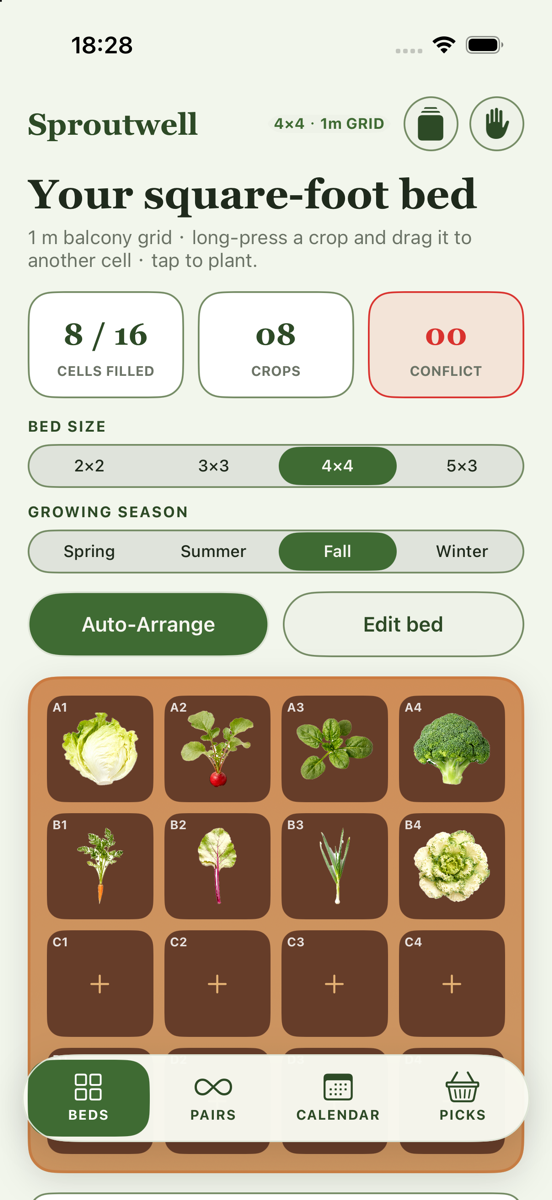
Start from a seasonal preset or build your own grid. Set bed size and growing season, tap a cell to plant, then long-press and drag to move crops. Red frames mark neighbour clashes; orange frames mark off-season crops for the season you selected — so problems show up on the grid before you water them in.
Edit bed lets you tap − to remove a plant cell by cell, or drag to rearrange. Save Bed stores the active plan in Bed Library. The same library also lists seasonal templates for spring, summer, fall, and winter. Auto-Arrange offers Dense, Companion, or Season before you fine-tune the last few cells by hand.
On the Beds screen, Growth simulation lets you press Play (or drag the day slider) to watch the bed grow, then Reset for a clean start — handy for timing and spacing checks. Conflicts slow growth in the simulation; companions can help.
Pairs
Neighbours that help, and neighbours that hinder
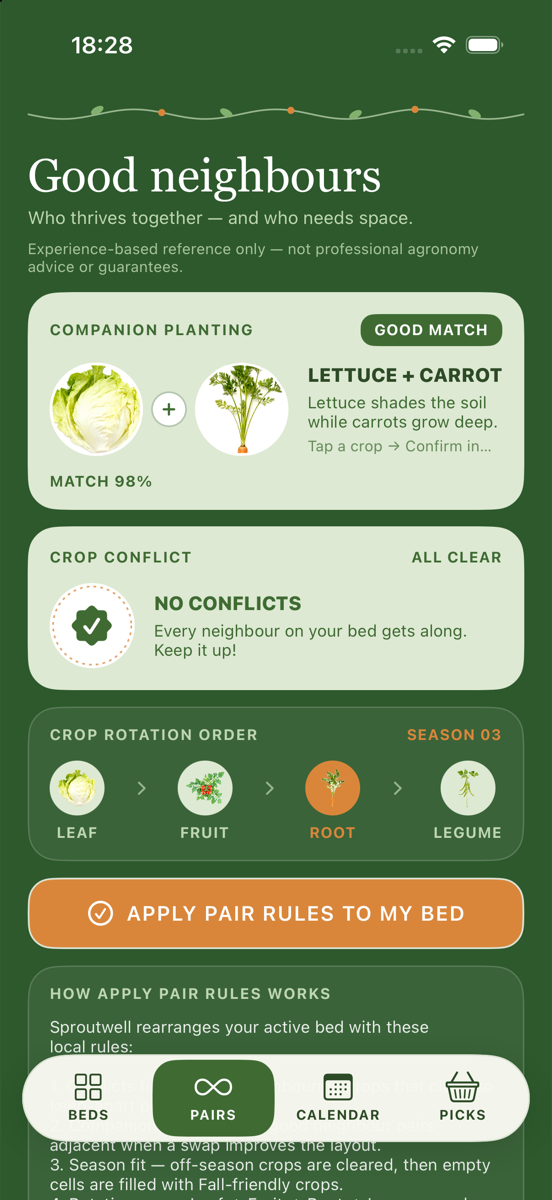
Square-foot beds pack plants close together, so companionship matters more than it does in a sprawling ground plot. Pairs shows which plants help each other, which clash, and how rotation shapes the next planting — so the layout works with plant relationships instead of against them.
Tap Apply Pair Rules to My Bed to rearrange the active bed: conflicts first, companions next, then season fit that clears off-season crops and fills empty cells with season-friendly plants. Rotation cues keep a leaf → fruit → root → legume reminder in view so one family does not exhaust the same square season after season.
The guidance comes from on-device crop notes, not a remote service. Pair advice stays available on a train platform or a nursery aisle with no signal, which is often where planting decisions actually happen.
Calendar
Time is part of the bed
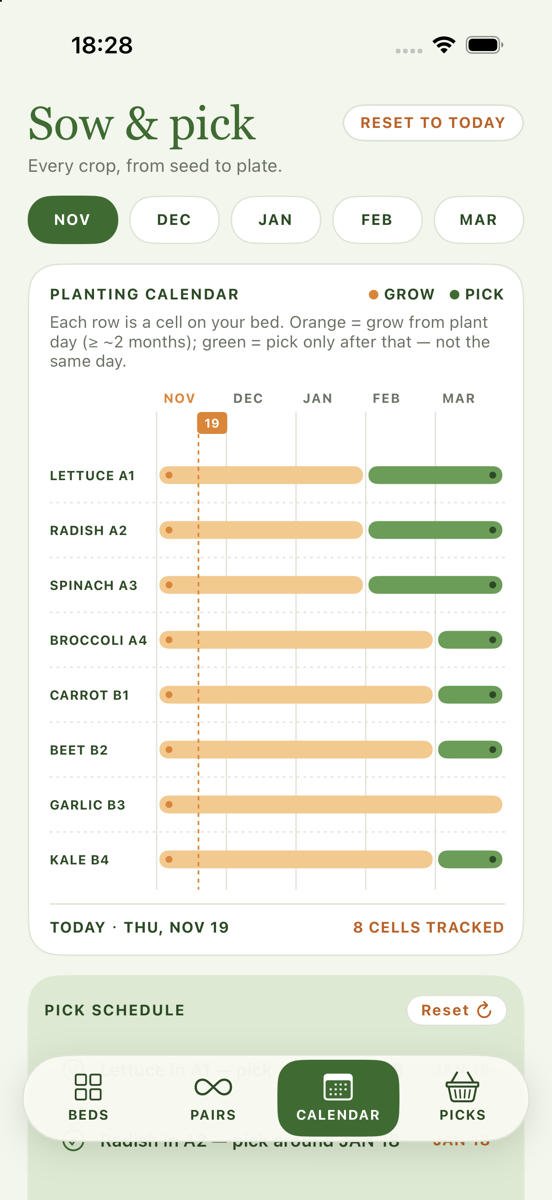
On Calendar, grow and pick bars follow cells on your active bed from each plant day. Flip months, scan pick dates, and tick items on the pick schedule so the desk stays tied to what is actually sitting in the soil — not a generic almanac page.
Reset to today when you need a fresh anchor. A next-in-season tip looks ahead to crops that will want a cell soon. Load a different layout from Bed Library and the calendar updates with the active bed.
Nothing here depends on weather APIs or cloud reminders. The rhythm is computed from the plants you placed and the dates you already have on the device.
Picks
Remember what the balcony gave back
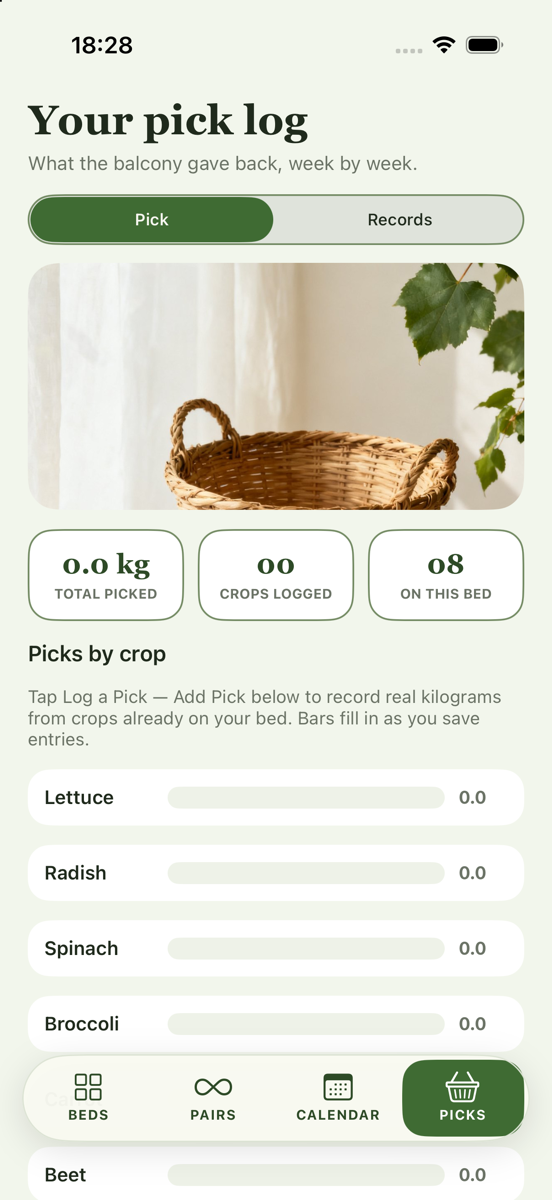
Log kilograms from crops already on your active bed (Log a Pick — Add Pick). Bars fill by crop as you save entries. Save to Records freezes today’s log into a read-only snapshot you can open later from the Records tab — browse only, no share or download.
Over a season, that record becomes a quiet argument for next year’s layout: more basil where the jars filled quickly, fewer melons if the balcony never quite warmed enough. The log stays on the phone with the bed it belongs to, so harvest history travels with the plan instead of disappearing into a notes app you will not open in March.
Crop tray & Crop Codex
Browse, search, then plant with notes
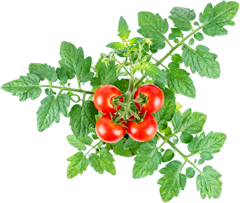
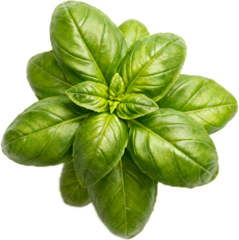
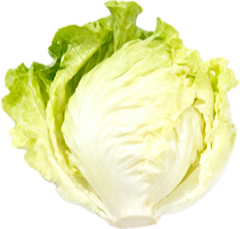
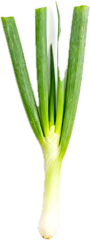
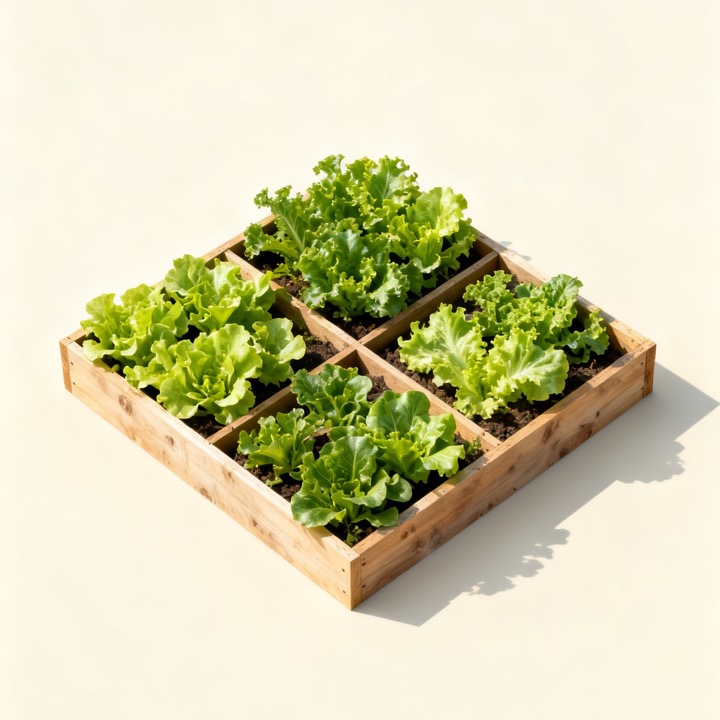
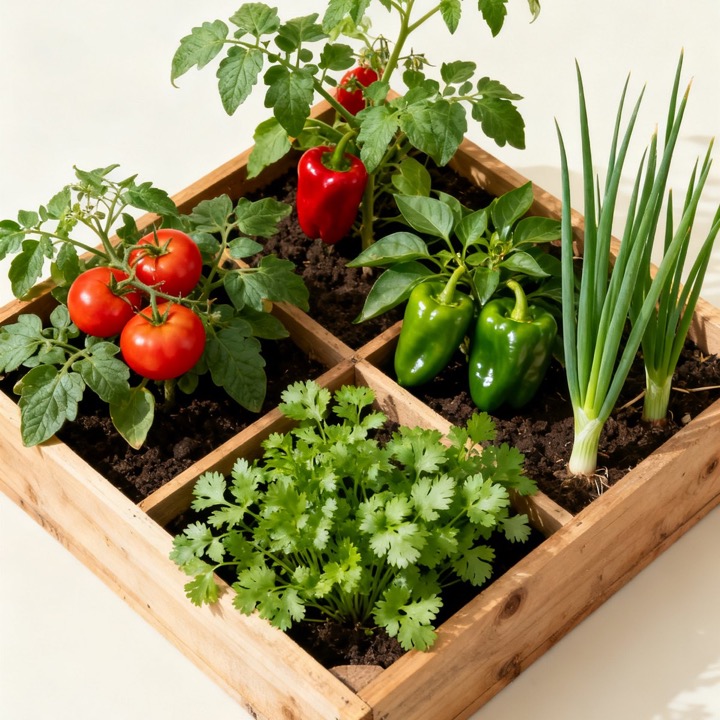
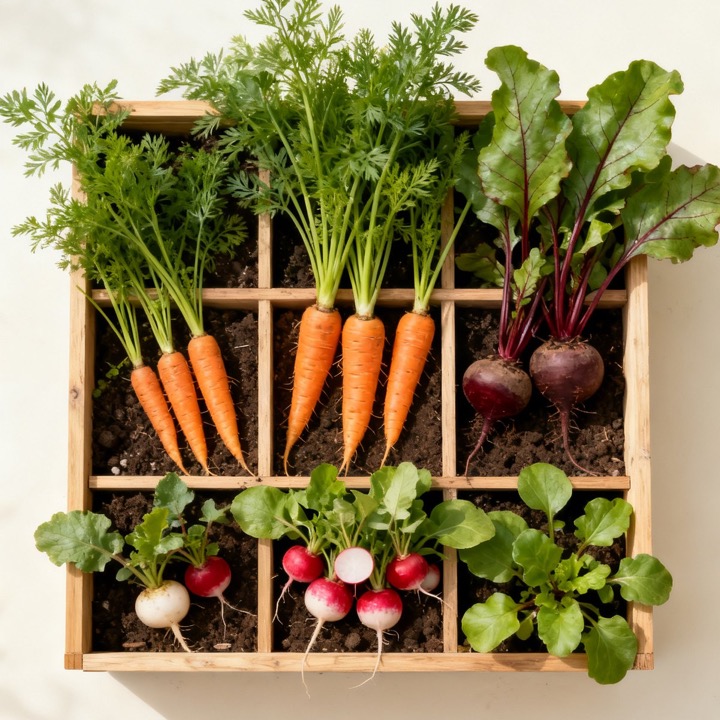
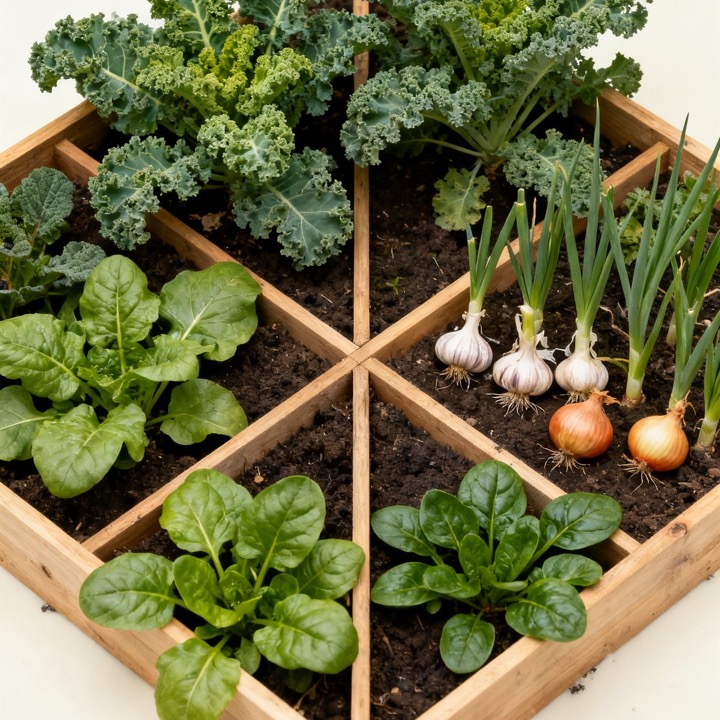
From a bed cell, Crop tray lets you browse by type (Leaf, Fruit, Root, Legume), search by name, and plant into that square. Open Crop Codex for Mel density, companions, and keep-apart notes. Add a custom crop when your seed packet is not on the list — it uses a shared type icon and still shows up on the bed, in pair checks, and in your pick log. The pictures below are the same artwork you tap when you plant.






Season starters
Four first drafts for the year
Open Bed Library from Beds to load a seasonal template — Spring Cool Bed, Summer Heat Bed, Fall Pick Bed, or Winter Hardy Bed — or reopen a plan you saved with Save Bed. Load one onto the active bed, then edit cells, change season, or Auto-Arrange as needed.
On your iPhone
Offline by design, not as an afterthought
Sproutwell keeps bed layouts, custom crops, weekly chores, pick logs, pick records, and library saves on the device you are holding. Gardening features run locally. The app does not ask you to create an account, and it does not send your planting data to a Sproutwell server in order to work.
Companion checks, Auto-Arrange, season windows, growth view, and Crop Codex notes ship with the software. Ordinary planning does not reach for the camera roll, contacts, or location just to draw a bed. When you delete the app, the local garden data goes with it.
Works on iPhone, including iPhone Duo — a balcony planner you can use with dirty hands, weak signal, and no login screen between you and the next square of soil.